
Procedure for creating Joint Admission and Matriculations Board (JAMB) online profile for FREE!

You need to create a profile on the Joint Admission and Matriculations Board (JAMB) E-facility portal before you can be able to access the portal to carry out any action.
Mobile:
To create a new profile, Send Surname FirstName MiddleName as SMS from your unique GSM number to 55019. Ensure the names are in the specified order and separated from each other by a space. e.g. Adewale Chukwu Adamu.
You will be charged N50.
Online:
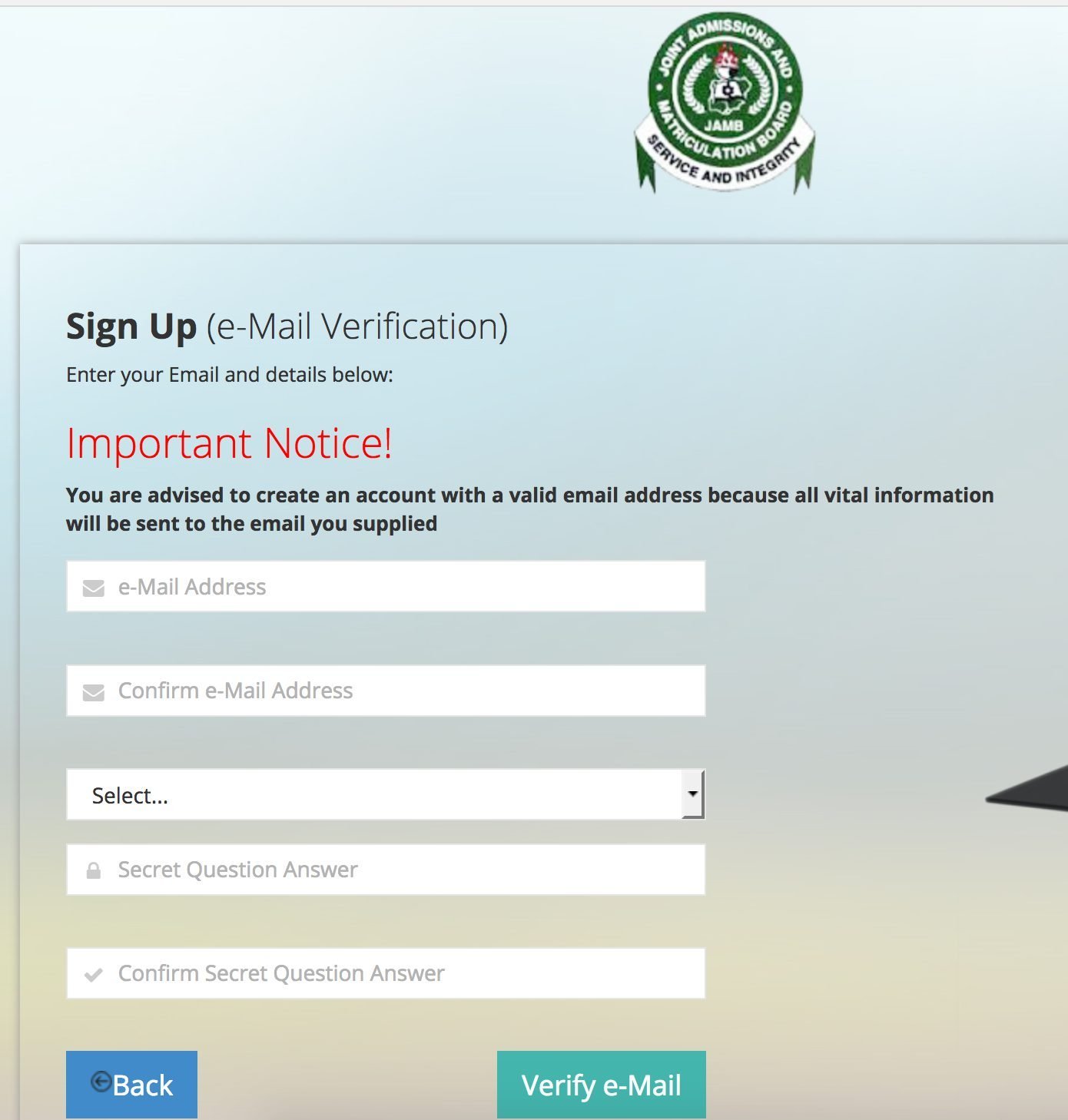
- Go to http://www.jamb.org.ng/efacility/ValidateeMail.
- Supply the required information.
- Finally create your profile by clicking on ‘Verify e-Mail‘ button.
After successful creation, you will have to check your email for JAMB verification mail and do the needful.